Give
Give
Below is information about how you can financially support the ministry of BBF. As a 501(c)3 organization, all donations are tax deductible to the fullest extent of the law.
- Using QR code
- Open Zelle® in your mobile banking app.
- Click on the QR Code link.
- Open your camera and point to QR code.
- Send money!
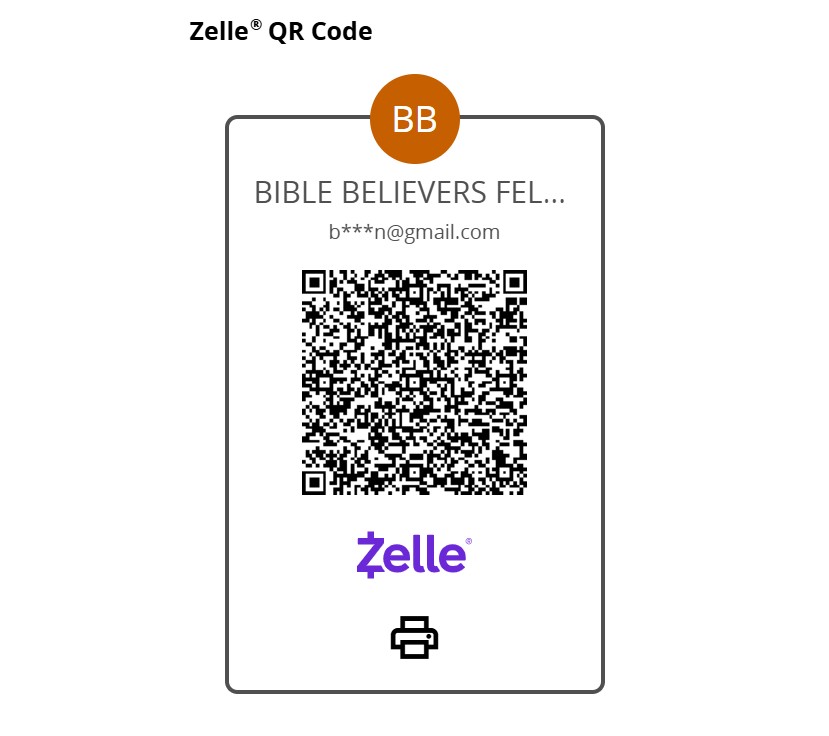
2. Use Zelle app and use email ID bbfdallascommunication@gmail.com
- Step-by-Step Instructions
- Log In
Open your bank’s mobile app or log into your online banking account. - Navigate to Zelle
Look for a section titled “Transfer & Pay,” “Send Money,” or a Zelle-specific option. - Add or Select Recipient
Select the option to “Send” money. You can typically choose from your existing contacts or add a new one.- To add a new recipient, enter their enrolled email address and name.
- Some banks will display the recipient’s enrolled name, allowing you to verify you are sending to the correct person.
- Enter Amount and Review
Enter the amount you wish to send and add an optional note. Carefully review all details (recipient’s email, amount, funding account) before proceeding, as Zelle payments to enrolled users are generally irreversible. - Send
Confirm the details and tap “Send”. You and the recipient will typically receive a notification (email or text) once the payment is complete.
- Log In